Lights. Camera. Action.
StoryMic
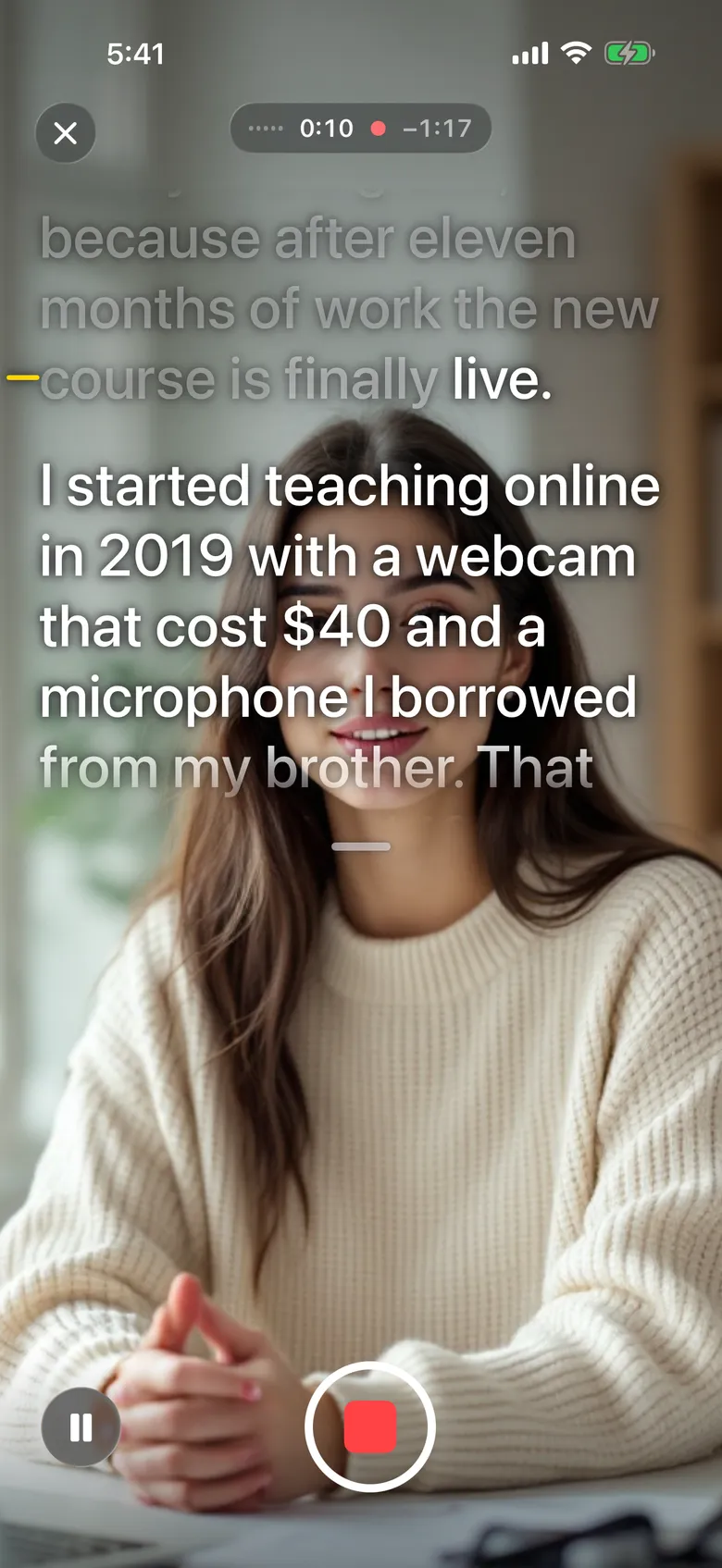
Look at the lens. The script keeps up.
Talk to the camera, not to the script.
StoryMic listens while you speak and moves the script with you. Pause, go off script, come back, and it finds your place. Nobody scrolls, nobody taps.
Follows your voice
Words dim as you say them, so the next line is always clear. Speed up, slow down or ad-lib, and the script stays with you.
Two ways to record
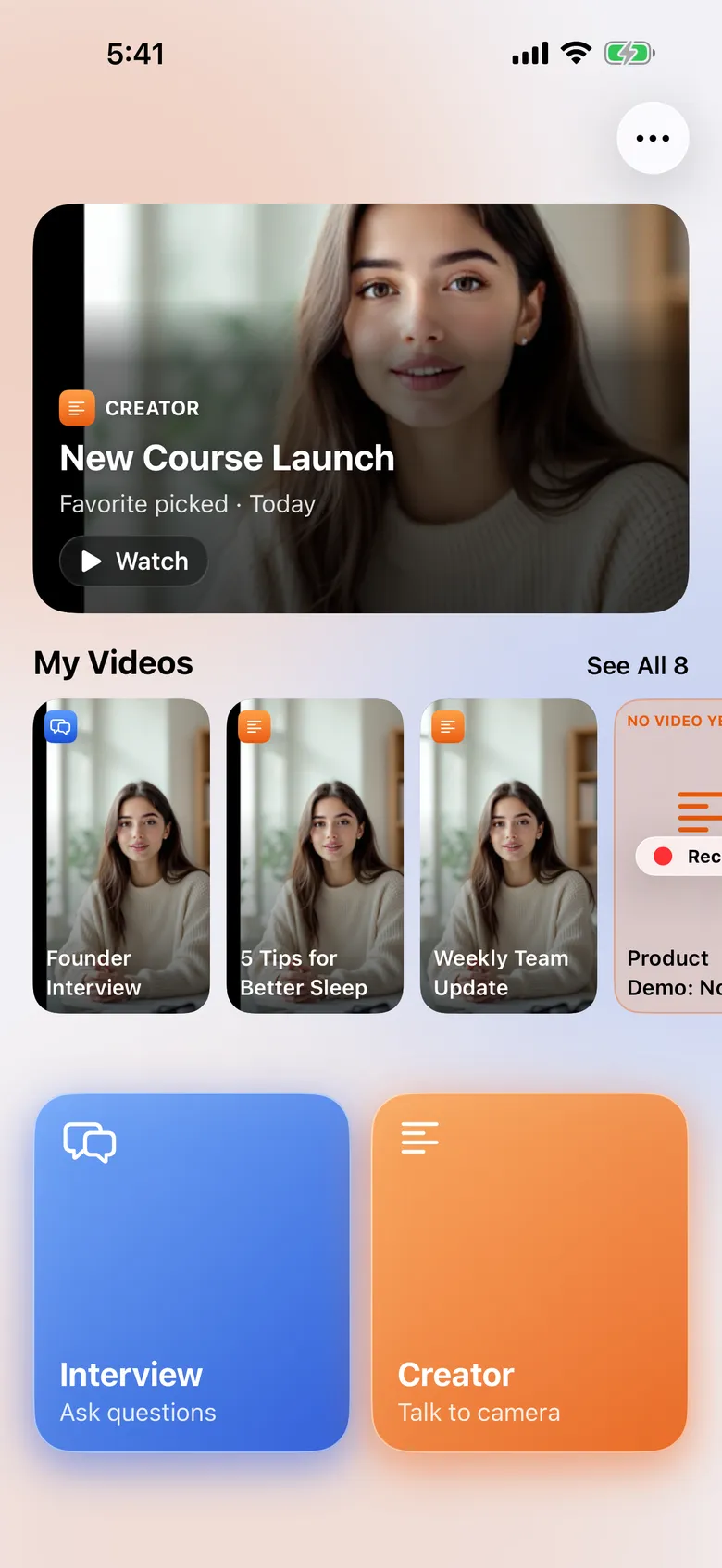
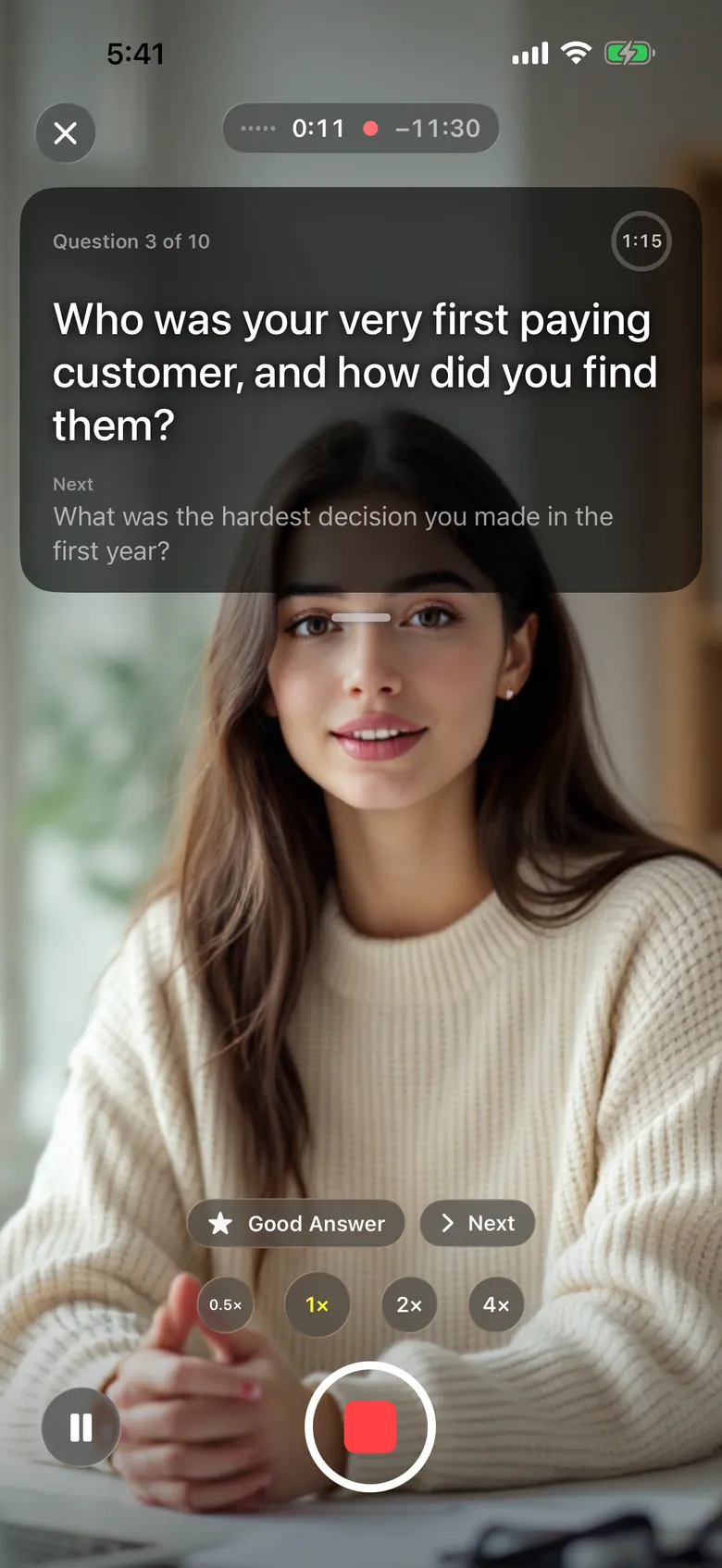
Creator for talking to camera, from a script, from bullet points or with no script at all. Interview for question lists.
Both cameras at once
Record the front and back cameras together, in a corner window or split screen, so you and what you're showing are both in the shot.
Made for iPhone Duo
Film with the rear cameras and read your script on the back screen, right over your own face.
Finish in the app
Trim a take, let Clean Cut remove the long pauses, re-record one line with Fix a Line, and add captions. Every edit can be undone.
Bring your script
Paste it, import it or scan a printed page. On devices with Apple Intelligence, Write with AI drafts one right on your device.
Control from across the room
Start, stop and move through a take from a second iPhone or iPad on the same Wi-Fi.
Your camera, your settings
Mirrored text for a hardware teleprompter, plus the text size, speed and reading line you like.
Private by design
Speech recognition runs on your device. No account, no ads, no tracking. Your scripts sync through your own iCloud.
A mode for every kind of recording.
Creator
Read a script to camera and it moves at your pace. Or talk from bullet points, or go Off Script.
Interview
Your questions appear one at a time, with a timer for each answer.